Photograph a tote as you pack it.
AI lists what is inside.
Search for anything later.
Invite-only right now. Runs in your phone's browser, no app store.
How it works
-
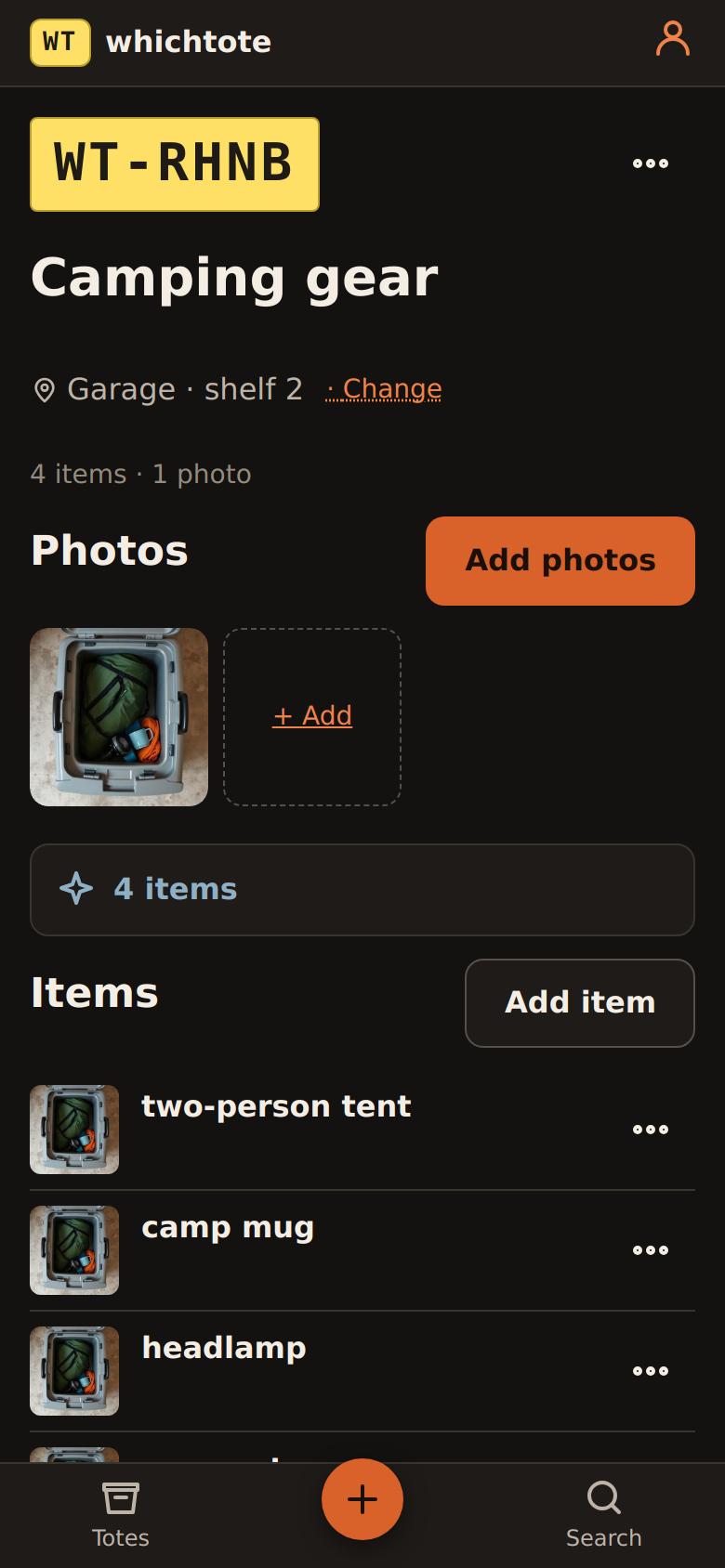
Photograph as you pack
Open the camera. Shoot the tote a layer at a time. Tap Done.
-
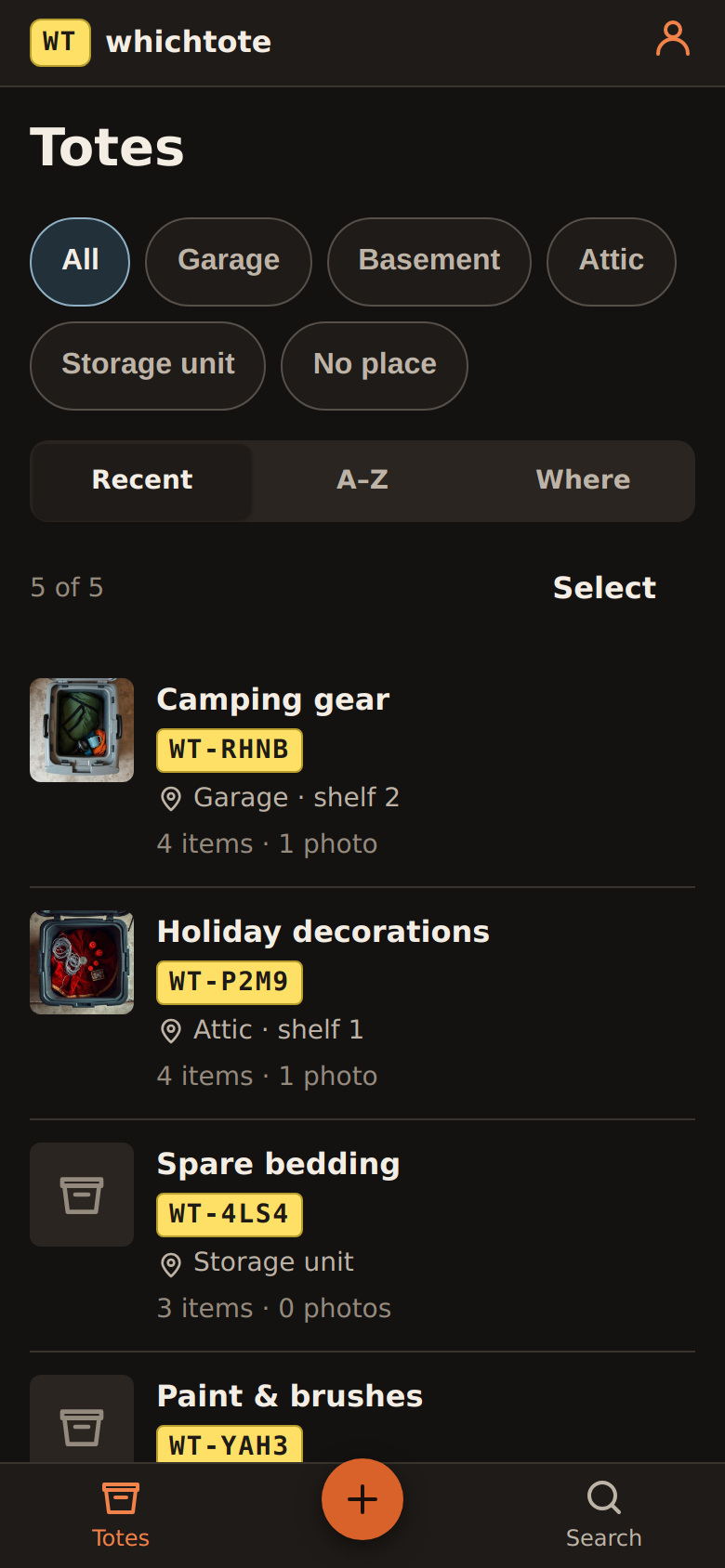
We read your photos
The items appear in a list within a minute. Rename or delete anything.
-
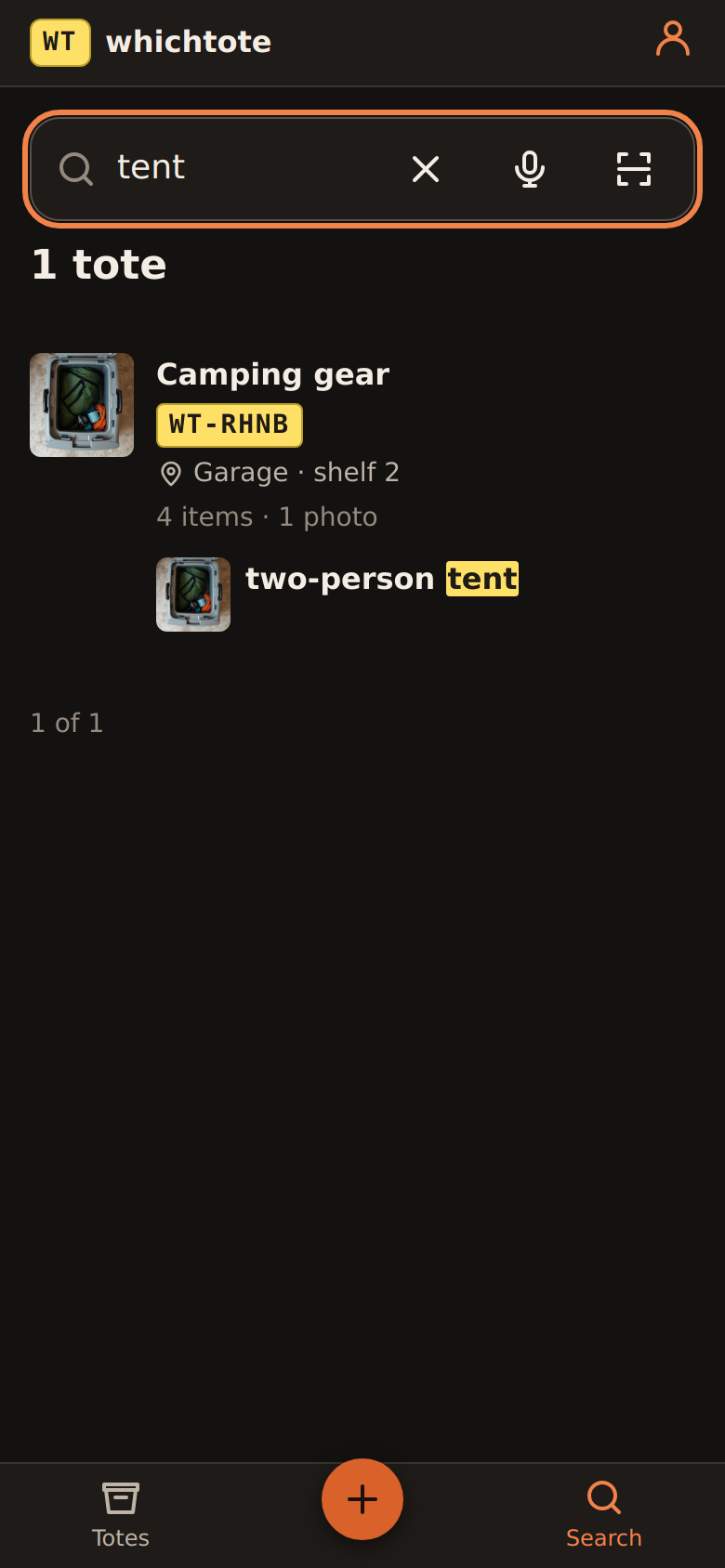
Search later
tent tote
WT-7K3Q, garage shelf 2
Stickers
- A QR sticker on each tote. The code is printed under it.
- Scan with the camera. The tote opens.
- Print on Avery 5160 or 2×2 in.

Pricing
$9.99 a month
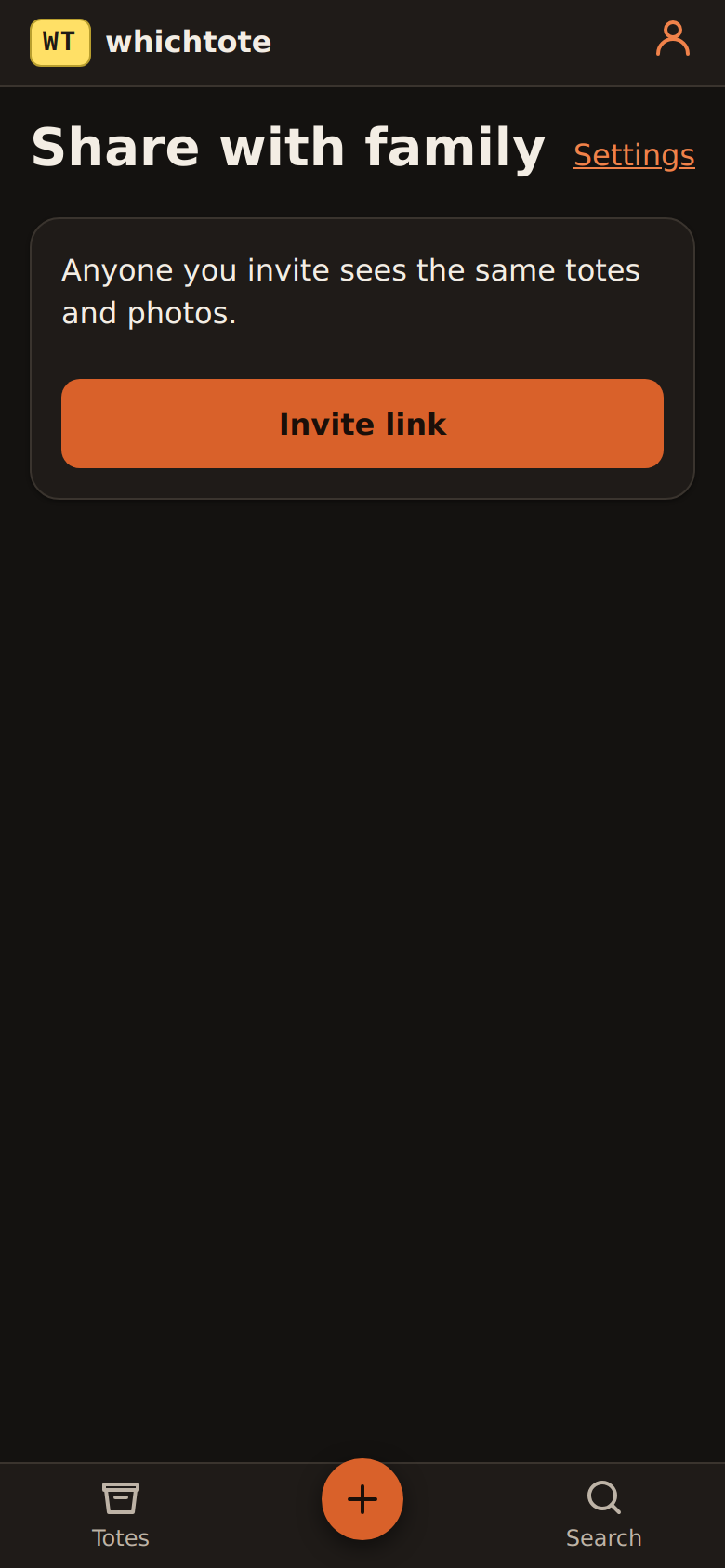
One subscription for the whole family.
- 500 photos a month
- 200 totes
- 3 family members
- Stickers, search, sharing
Invite-only right now.
Join the waitlistPrivate by design
- Your photos are visible to your family only.
- Sign in with Google. No passwords.
- Download everything, or delete your account, any time.
- No ads, no trackers, no third-party scripts.
Questions
Which phones?
iPhone (Safari) and Android (Chrome). Anything with a camera and a browser.
Is there an app to install?
No store. Open it in the browser and add it to your home screen. It works like an app from there.
Does it work offline?
Taking photos does. They upload when you are back online. Search needs a connection.
What if the AI gets it wrong?
Tap the item. Rename it, delete it, or add what it missed. Your fixes stick.
Can I use it without stickers?
Yes. Every tote has a name and a code. Stickers make the camera find the tote faster when you are standing in front of it.
How do I cancel?
From Settings, any time. Download everything first if you want a copy.